mdserve 1.0: Markdown Preview for Coding Agents
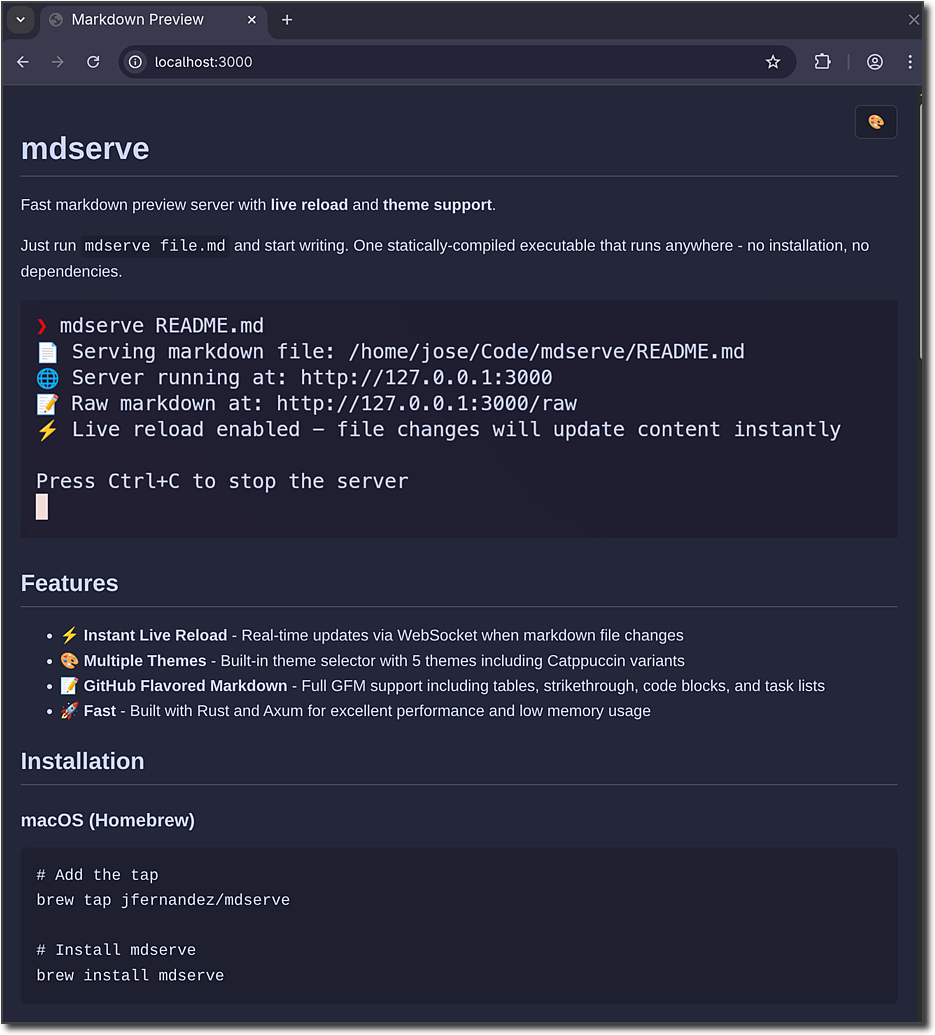
When I introduced mdserve last year, I blogged about it as a tool for AI coding agent workflows, but the project itself never said that. The README called it a “fast markdown preview server with live reload and theme support.” Generic on purpose. People started using it for things I never intended: replacing MkDocs, hosting documentation.
With v1.0, I’m dropping the ambiguity. mdserve is a companion tool for AI coding agents. That’s what it was built for, that’s how I use it, and that’s the only direction it’s going.
Why Terminal Agents Need a Markdown Renderer
Terminal-based coding agents like Claude Code, Codex, and OpenCode produce a lot of markdown. Plans, architecture docs, design proposals, comparison tables, Mermaid diagrams. Reading raw markdown in a terminal works for short answers, but it falls apart when the agent generates a multi-section design document with embedded diagrams and tables.
This is the gap mdserve fills. Think of it as GitHub’s markdown preview running on localhost, with nice themes and live reload.
You read a nicely rendered document while the agent keeps working. With the new Claude Code skill, the agent even starts mdserve and opens the browser for you. You never have to break out of your terminal session to open a preview in an IDE or manually run a command. The agent writes, you read.
What’s New in 1.0
The core feature set has been stable since 0.5.1. What makes this 1.0 is clarity of purpose and two new features.
The --open Flag
mdserve --open plan.md &
Launches your default browser automatically when the server starts. Agents can now start mdserve, open the browser, and continue working, all without you touching anything.
Claude Code Skill
mdserve now ships as a Claude Code plugin with a built-in /mdserve skill. Install it once:
claude plugin add jfernandez/mdserve
After that, Claude Code knows when to use mdserve and when not to. Writing a long plan? It starts mdserve in the background with --open, and the rendered document appears in your browser as the agent writes it. Short answer that fits in the terminal? It skips the preview entirely.
The Whiteboarding Companion
I wrote about whiteboarding with AI a few months ago. Coding agents produce better results when you plan in markdown before writing code. mdserve is the other half of that workflow: the rendering layer between the agent’s output and your eyes. This is where I’m focusing the project going forward. Features that push it toward being a documentation platform or a static site generator are out of scope.
Get Started
Install mdserve:
# macOS
brew install mdserve

# Linux
curl -sSfL https://raw.githubusercontent.com/jfernandez/mdserve/main/install.sh | bash

# Cargo
cargo install mdserve

# Arch Linux
sudo pacman -S mdserve
If you’re using Claude Code, add the plugin:
claude plugin add jfernandez/mdserve
Then just use Claude Code as you normally would. When the agent needs to show you something longer than a few lines, it’ll handle the rest.
Try it out at github.com/jfernandez/mdserve.